
Choosing the best WordPress hosting isn’t just about finding the lowest price. The hosting provider you choose directly affects your website’s speed, search engine rankings, security, user experience, and even your conversion rate.
Whether you are launching your first blog, building an online store, running a business website, or managing multiple client projects, the right hosting solution can save you time and help your website grow without performance issues.
After comparing dozens of hosting providers, we have selected the 10 best WordPress hosting companies based on performance, uptime, ease of use, customer support, pricing, security, and overall value.
This guide covers:
- Detailed reviews
- Performance highlights
- Pricing comparison
- Pros and cons
- Best use cases
- Expert recommendations
By the end of this guide, you’ll know exactly which hosting provider is the right fit for your website.
Quick Comparison of the Best WordPress Hosting Providers
| Hosting Provider | Best For | Starting Price | Free Domain | Free SSL | Managed WordPress |
|---|---|---|---|---|---|
| Bluehost | Beginners | $3.99/M | Yes | Yes | Yes |
| Namecheap | Budget Hosting | $0.99/M | Yes | Yes | Partial |
| Liquid Web | Enterprise | $21/M | No | Yes | Yes |
| Kinsta | Premium Performance | $35/M | No | Yes | Fully Managed |
| Godaddy | Small Businesses | $5.99/M | Yes | Yes | Yes |
| Cloudways | Cloud Hosting | $11/M | No | Yes | Managed Cloud |
| Network Solutions | Basic Websites | $5.69/M | Yes | Yes | Limited |
| HostGator | Affordable Hosting | $3.75/M | Yes | Yes | Yes |
| InMotion Hosting | Growing Businesses | $5.49/M | Yes | Yes | Yes |
| Hostinger | Beginners | $2.99/M | Yes | Yes | Yes |
How We Chose These Best Hosting Providers
Not every hosting provider deserves a place on this list. We evaluated each company using the criteria that matter most to WordPress users:
- Server performance and speed
- Uptime reliability
- WordPress optimization
- Security features
- Customer support quality
- Ease of use
- Pricing and value
- Scalability
- Backup options
- CDN availability
- Free SSL certificates
- Malware protection
- Overall user satisfaction

1. Bluehost: Best Overall
Overview
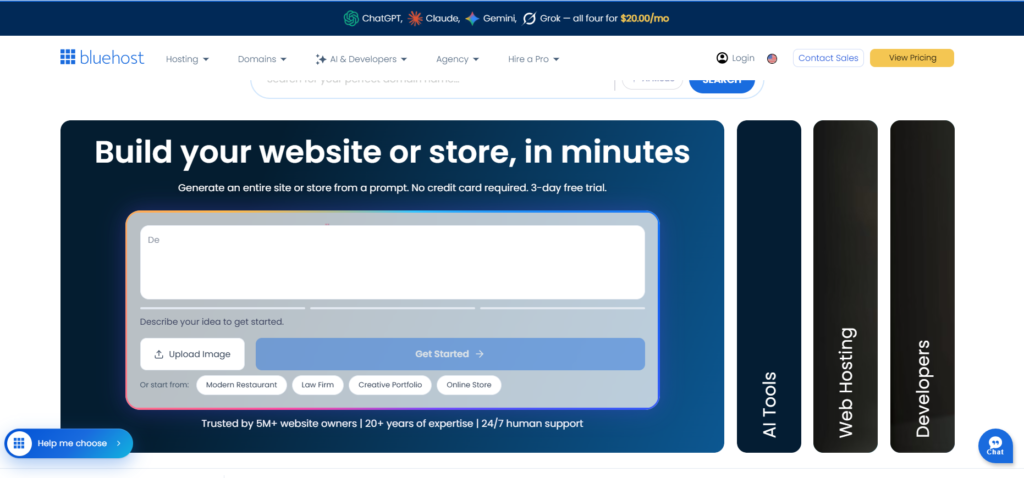
Bluehost is one of the most recognized names in the web hosting industry and has been officially recommended by WordPress.org for many years. It offers an excellent balance of affordability, ease of use, and reliable performance, making it a great choice for beginners, bloggers, and small business owners.
One of Bluehost’s biggest strengths is its beginner-friendly dashboard, one-click WordPress installation, and free domain registration with eligible plans. New users can launch a WordPress website within minutes without needing technical knowledge.
As your website grows, Bluehost provides flexible upgrade options, allowing you to move from shared hosting to VPS or dedicated servers without switching providers.
Best For
- New WordPress users
- Bloggers
- Small businesses
- Personal websites
- Affiliate marketers
Key Features
- Officially recommended by WordPress
- Free domain for the first year (eligible plans)
- Free SSL certificate
- One-click WordPress installation
- Automatic WordPress updates
- AI-powered website creation tools
- Built-in caching
- Free CDN
- 24/7 customer support
- Malware scanning
- Daily backups on higher-tier plans
- Staging environment
- Free email on selected plans
Performance
Bluehost consistently delivers fast loading times for WordPress websites. Its optimized infrastructure, SSD storage, integrated CDN, and server-level caching help improve page speed and overall site performance.
For most small to medium-sized websites, Bluehost provides enough resources to maintain a smooth browsing experience even during traffic spikes.
Security
Security features include:
- Free SSL certificate
- Malware protection
- DDoS protection
- Automatic updates
- Secure FTP access
- Spam protection
- Two-factor authentication
- Daily backups (select plans)
Customer Support
Bluehost offers:
- 24/7 live chat
- Phone support
- Extensive knowledge base
- Video tutorials
- WordPress documentation
Support agents are generally responsive, making Bluehost an attractive option for beginners who may need occasional assistance.
Pros and Cons
Plans & Pricing
| Plan | Starting Price | Best For |
|---|---|---|
| Basic | From $3.99/month | Personal websites |
| Choice Plus | From $6.99/month | Bloggers |
| Online Store | From $7.99/month | WooCommerce |
| Pro | From $29.99/month | High-traffic websites |
Bluehost frequently offers promotional discounts for new customers, making it one of the most affordable ways to start a WordPress website.
Our Verdict
Bluehost remains one of the best choices for anyone launching their first WordPress website. It combines affordability, beginner-friendly tools, solid performance, and dependable customer support in a package that suits most users. While renewal rates are higher than introductory prices, its ease of use and WordPress-focused features make it a strong long-term option.
2. Namecheap: Best Budget WordPress Hosting
Overview
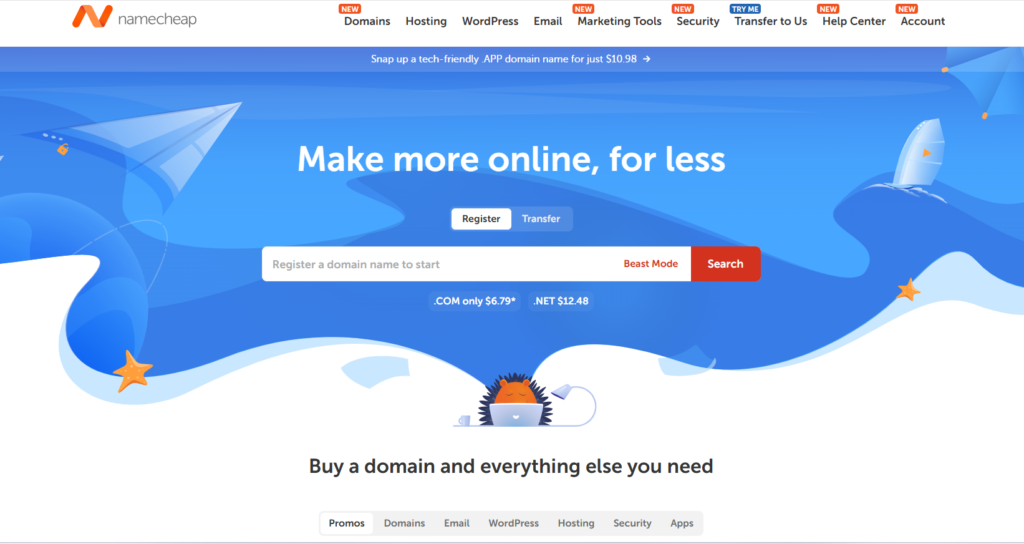
Namecheap has built a strong reputation as an affordable domain registrar and web hosting provider. While many people know it for inexpensive domain names, its WordPress hosting plans also offer impressive value for bloggers, freelancers, startups, and small businesses.
Namecheap focuses on keeping hosting simple and affordable without sacrificing essential features. Even entry-level plans include free SSL certificates, SSD storage, email hosting, and an easy-to-use control panel.
For users with limited budgets, Namecheap provides one of the lowest-cost entry points into WordPress hosting while still delivering reliable uptime and decent performance for smaller websites.
Best For
- Budget-conscious users
- Bloggers
- Portfolio websites
- Small business websites
- Freelancers
- Students
- Startup websites
Key Features
- Affordable WordPress hosting
- Free domain on selected plans
- Free SSL certificate
- SSD storage
- One-click WordPress installation
- Free website migration
- Email hosting
- Easy control panel
- Automatic backups (select plans)
- CDN integration
- 24/7 live chat support
Performanc
Namecheap offers respectable performance for small and medium-sized WordPress sites. SSD storage and optimized servers help reduce page load times, while CDN integration improves global content delivery.
Although it may not match premium managed hosting providers in raw speed, it delivers excellent value considering its low cost.
Security
Security includes:
- Free SSL certificate
- DDoS protection
- Two-factor authentication
- Website backups
- Malware scanning
- Secure account management
Customer Support
Namecheap provides:
- 24/7 live chat
- Ticket support
- Comprehensive knowledge base
- Setup guides
- Community resources
Support is generally responsive, especially for common WordPress and hosting issues.
Pros and Cons
Plans & Pricing
| Plan | Starting Price | Best For |
|---|---|---|
| EasyWP Starter | From $0 for the first month, then $9.88/month | Beginners |
| EasyWP Turbo | From $13.88/month | Growing websites |
| EasyWP Supersonic | From $19.88/month | High-performance WordPress sites |
Namecheap often runs discounts for new customers, making it one of the most affordable WordPress hosting options available.
Our Verdict
If affordability is your top priority, Namecheap delivers impressive value without cutting corners on essential features. It is an excellent choice for personal websites, blogs, and small business sites that need dependable hosting at a low cost.
3. Liquid Web: Best Managed WordPress Hosting for Businesses & Enterprises
Overview
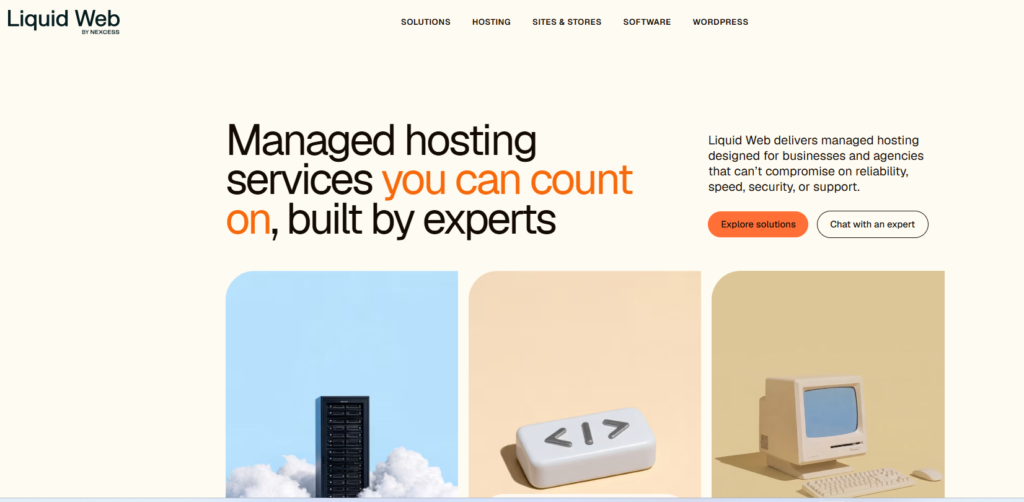
If you are running a high-traffic website, an eCommerce store, a membership platform, or multiple client websites, Liquid Web is one of the most reliable managed hosting providers available. Unlike budget hosting companies, Liquid Web focuses on premium performance, security, and expert support.
Its managed WordPress hosting is powered by the Nexcess platform, which is optimized for WordPress, WooCommerce, and other popular content management systems. Every plan includes advanced performance optimization, automatic updates, daily backups, premium security, and proactive monitoring, allowing you to focus on growing your business instead of managing servers.
Liquid Web is not designed for beginners looking for the cheapest hosting. Instead, it’s built for businesses that require consistent uptime, fast page loading speeds, and expert technical assistance.
Best For
- Business websites
- WooCommerce stores
- Membership websites
- Agencies
- Developers
- High-traffic blogs
- Enterprise websites
Key Features
- Fully managed WordPress hosting
- Premium cloud infrastructure
- Automatic WordPress updates
- Daily backups
- Free SSL certificates
- Built-in CDN
- Server-level caching
- Staging sites
- One-click site cloning
- Automatic plugin updates
- Image compression
- Performance monitoring
- Malware protection
- Free website migration
- 24/7 expert support
Performance
Performance is where Liquid Web truly shines.
Its managed infrastructure is optimized specifically for WordPress, offering:
- Lightning-fast SSD storage
- PHP optimization
- Built-in object caching
- Enterprise-grade servers
- High availability architecture
- Automatic scaling during traffic spikes
For websites receiving thousands—or even millions—of monthly visitors, Liquid Web consistently delivers exceptional speed and stability.
Security
Security features include:
- Free SSL certificates
- Daily backups
- Malware monitoring
- DDoS protection
- Server-level firewalls
- Automatic WordPress updates
- Login protection
- Two-factor authentication
- PCI-compliant infrastructure (where applicable)
Customer Support
One of Liquid Web’s biggest advantages is its customer support.
You’ll have access to:
- 24/7 phone support
- Live chat
- Ticket system
- WordPress specialists
- Knowledge base
- Migration assistance
Unlike many budget providers, support agents are highly technical and capable of solving advanced hosting issues quickly.
Pros and Cons
Plans & Pricing
| Plan | Starting Price | Best For |
|---|---|---|
| Spark | From $5/month | Small business websites |
| Maker | From $10/month | Growing websites |
| Designer | From $20/month | Agencies |
| Builder | From $10/month | High-traffic businesses |
| Enterprise | From $40/month | Large organizations |
Although Liquid Web is more expensive than entry-level hosting providers, the included premium features often eliminate the need for several paid third-party services.
Our Verdict
Liquid Web is one of the best managed WordPress hosting providers for businesses that prioritize speed, reliability, and professional support. If your website generates revenue or serves a large audience, the investment is well worth it.
4. Kinsta: Best Premium Managed WordPress Hosting

Overview
Kinsta has earned a reputation as one of the fastest and most reliable managed WordPress hosting providers. Built on Google Cloud Platform’s Premium Tier network, it delivers outstanding speed, scalability, and security for businesses, agencies, and content creators.
Unlike traditional shared hosting, Kinsta focuses exclusively on managed WordPress hosting. Every aspect of its infrastructure is designed to maximize WordPress performance, making it an excellent choice for websites where speed and uptime directly impact user experience and revenue.
The intuitive MyKinsta dashboard simplifies site management, allowing users to monitor performance, manage backups, create staging environments, and troubleshoot issues without requiring advanced technical skills.
Best For
- Professional bloggers
- Business websites
- WooCommerce stores
- Agencies
- Developers
- High-traffic websites
- Publishers
Key Features
- Powered by Google Cloud Platform
- Premium Tier network
- Fully managed WordPress hosting
- Free SSL certificate
- Enterprise CDN
- Automatic daily backups
- One-click staging
- Free migrations
- Application Performance Monitoring (APM)
- Built-in caching
- Automatic scaling
- Image optimization
- Malware removal guarantee
- SSH access
- WP-CLI support
- Developer-friendly tools
Performance
Kinsta is widely recognized for its exceptional performance.
Highlights include:
- Google Cloud C2 virtual machines
- Edge caching
- Premium CDN
- HTTP/3 support
- PHP workers
- Automatic database optimization
- Fast server response times
These features contribute to consistently fast page loading speeds, even during periods of heavy traffic.
Security
Every Kinsta plan includes:
- Enterprise firewall
- DDoS detection
- Malware scanning
- Automatic backups
- Hack fix guarantee
- Free SSL
- Two-factor authentication
- Isolated containers for every website
The isolated architecture prevents issues on one website from affecting others on the same server.
Customer Support
Support is available 24/7 through:
- Live chat
- Technical specialists
- Knowledge base
- Migration experts
Kinsta’s support team specializes exclusively in WordPress, resulting in faster and more accurate troubleshooting.
Pros and cons
Plans & Pricing
| Plan | Starting Price | Best For |
|---|---|---|
| Single Site | From $35/month | Blogs |
| Multiple Sites | From $96/month | Small businesses |
| Agency Plans | From $188/month | Developers |
| Enterprise | From $375/month | Large organizations |
While Kinsta’s pricing is higher than traditional hosting, the performance and managed features justify the investment for mission-critical websites.
Our Verdict
If you’re looking for premium managed WordPress hosting with exceptional performance and industry-leading reliability, Kinsta is one of the strongest options available.
5. GoDaddy: Best WordPress Hosting for Small Businesses

Overview
GoDaddy is one of the world’s largest domain registrars and hosting providers, serving millions of customers worldwide. Its managed WordPress hosting is designed to simplify website creation, maintenance, and security for beginners and small businesses.
The platform includes one-click WordPress installation, automatic updates, built-in security, daily backups on select plans, and an easy-to-use dashboard that helps new users get online quickly.
While GoDaddy may not offer the same advanced optimization found in premium managed hosting providers, it remains a convenient all-in-one solution for users who want domains, email, hosting, and website tools under one account.
Best For
- Small businesses
- Local companies
- Personal websites
- Beginners
- Freelancers
- Entrepreneurs
Key Features
- Managed WordPress hosting
- One-click WordPress installation
- Automatic updates
- Free SSL certificate
- Daily backups (select plans)
- Malware scanning
- AI website builder
- CDN integration
- Staging environment (higher plans)
- Free business email trial
- Domain management
- 24/7 support
Performance
GoDaddy has improved its hosting infrastructure significantly in recent years.
Performance highlights include:
- SSD storage
- Built-in caching
- CDN integration
- Optimized WordPress servers
- Reliable uptime
Although it may not outperform premium providers like Kinsta or Liquid Web, it offers sufficient speed for most small business websites and blogs.
Security
Security features include:
- Free SSL
- Malware scanning
- Daily backups
- Web Application Firewall
- DDoS protection
- Automatic updates
- Login monitoring
Customer Support
GoDaddy provides:
- 24/7 phone support
- Live chat
- Help center
- Community forum
- Video tutorials
Support quality is generally reliable for common hosting and WordPress issues.
Pros and Cons
Plans & Pricing
| Plan | Starting Price | Best For |
|---|---|---|
| Basic | From $5.99/month | Personal websites |
| Deluxe | From $7.99/month | Bloggers |
| Ultimate | From $12.99/month | Businesses |
| Ecommerce | From $19.99/month | Online stores |
GoDaddy frequently offers discounted introductory pricing, making it an attractive option for first-time website owners.
Our Verdict
GoDaddy is a solid choice for beginners and small businesses that want hosting, domains, email, and website management in one place. While it isn’t the fastest managed WordPress host on this list, its convenience and ease of use make it a dependable option.
6. Cloudways: Best Managed Cloud Hosting for WordPress
Overview
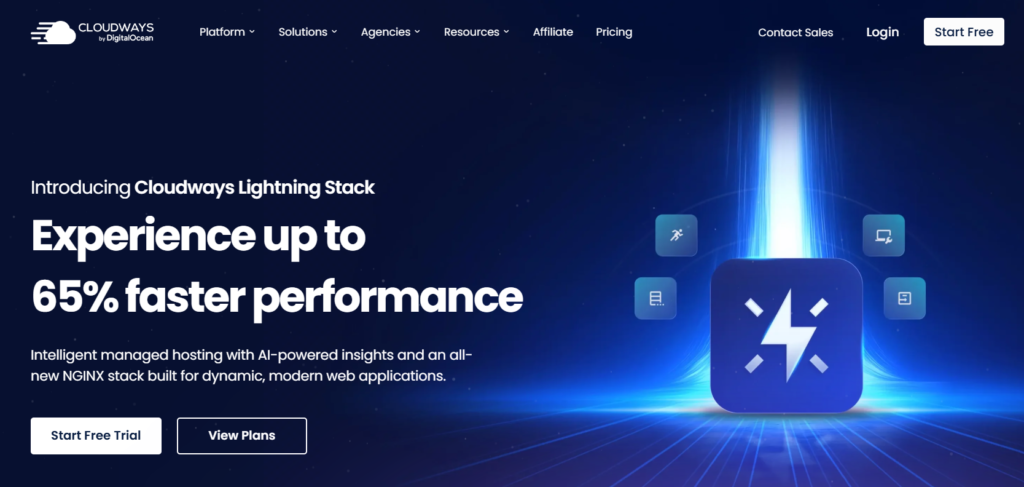
Cloudways stands out from traditional web hosting providers by offering managed cloud hosting instead of shared hosting. Rather than owning its own data centers, Cloudways lets you deploy WordPress websites on top cloud infrastructure providers such as DigitalOcean, Vultr, Linode, Amazon Web Services (AWS), and Google Cloud Platform.
This flexibility makes Cloudways an excellent option for developers, agencies, growing businesses, and website owners who want premium performance without managing complex server configurations. The platform handles server optimization, security updates, backups, caching, and monitoring, allowing you to focus on building your website instead of maintaining your infrastructure.
Unlike beginner-focused shared hosting, Cloudways offers greater scalability and control, making it ideal for websites expected to grow over time.
Best For
- Agencies
- Developers
- Growing businesses
- WooCommerce stores
- High-traffic blogs
- SaaS websites
- Digital marketers
Key Features
- Managed cloud hosting
- Choice of five cloud providers
- ThunderStack performance optimization
- Free SSL certificates
- Built-in CDN
- Advanced server caching
- Automatic backups
- One-click staging
- Team collaboration tools
- Git integration
- SSH and SFTP access
- Vertical server scaling
- Application monitoring
- Free website migration
- 24/7 expert support
Performance
Cloudways is one of the fastest hosting platforms available thanks to its optimized ThunderStack software stack, which combines:
- Nginx
- Apache
- PHP-FPM
- Varnish Cache
- Memcached
- Redis (optional)
- MySQL/MariaDB optimization
This combination helps WordPress websites achieve excellent page load times and handle traffic spikes more efficiently than most shared hosting environments.
Security
Cloudways includes:
- Free SSL certificates
- Dedicated firewalls
- Bot protection
- IP whitelisting
- Automatic backups
- Two-factor authentication
- DDoS mitigation (via infrastructure providers)
- Regular security patches
These features help safeguard websites without requiring advanced technical knowledge.
Customer Support
Cloudways offers:
- 24/7 live chat
- Ticket support
- Extensive knowledge base
- Community forum
- Premium support add-ons
Support staff are knowledgeable about cloud hosting and WordPress optimization, making them a valuable resource for troubleshooting performance or deployment issues.
Pros and Cons
Plans & Pricing
Cloudways pricing depends on the cloud provider you choose.
| Cloud Provider | Starting Price | Best For |
|---|---|---|
| DigitalOcean | From $11/month | Budget-friendly performance |
| Vultr | From $14/month | High-speed global deployment |
| Linode | From $14/month | Developers |
| AWS | From $20.56/month | Enterprise workloads |
| Google Cloud | From $37.45/month | Large-scale applications |
Since pricing scales with server resources, you only pay for the infrastructure you need, making Cloudways highly flexible for growing businesses.
Our Verdict
Cloudways is one of the best managed cloud hosting platforms for WordPress users who want enterprise-level performance without the complexity of managing cloud servers themselves. It offers exceptional speed, scalability, and flexibility, making it a top choice for developers, agencies, and high-growth websites.
7. Network Solutions: Best Hosting for Basic Business Websites
Overview
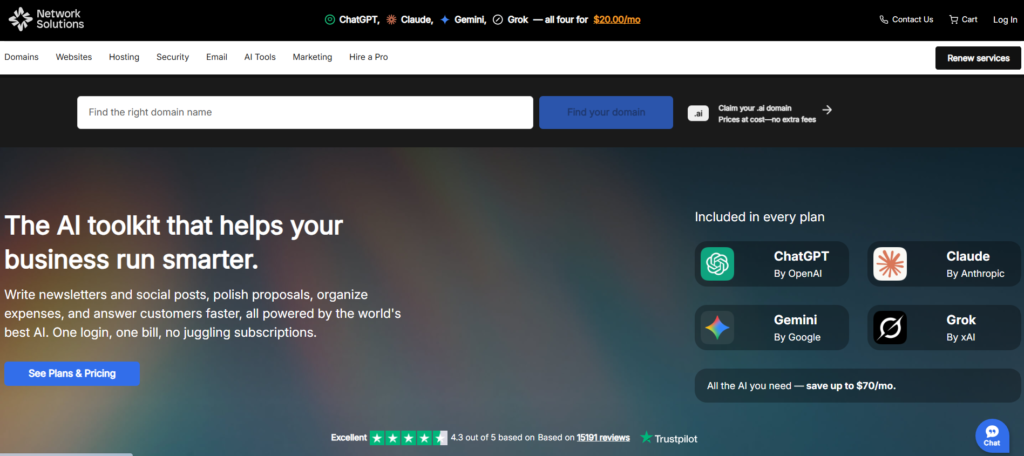
Network Solutions is one of the oldest companies in the domain registration and web hosting industry. While it may not receive as much attention as newer hosting providers, it continues to serve businesses looking for an all-in-one platform that includes domains, email, website hosting, and online marketing tools.
Its WordPress hosting is designed for users who want a straightforward hosting solution without needing advanced technical features. Small businesses, local organizations, and first-time website owners can benefit from its simple management interface and integrated services.
Although it lacks some of the advanced performance enhancements found in premium managed WordPress hosts, Network Solutions provides dependable hosting for low- to medium-traffic websites.
Best For
- Small businesses
- Local companies
- Business portfolios
- Informational websites
- Beginners
Key Features
- WordPress hosting
- Free SSL certificate
- One-click WordPress installation
- Email hosting
- Website builder
- Domain management
- Business email solutions
- Malware scanning
- Daily backups (selected plans)
- 24/7 support
Performance
Network Solutions offers stable performance for smaller websites with SSD storage and optimized WordPress environments. While it isn’t designed for high-traffic applications, it performs adequately for company websites, blogs, and brochure-style sites.
Security
Security features include:
- SSL certificates
- Malware scanning
- Automatic updates
- Secure data centers
- Account monitoring
- Website backups
- Spam protection
Customer Support
Support includes:
- Phone support
- Live chat
- Knowledge base
- Ticket assistance
Its support team is particularly useful for customers managing domains, email services, and hosting under one account.
Pros and cons
Plans & Pricing
| Plan | Starting Price | Best For |
|---|---|---|
| Starter | From $9.99/month | Personal websites |
| Essential | From $13.99/month | Small businesses |
| Premium | From $24.99/month | Growing companies |
Our Verdict
Network Solutions is a practical option for businesses that value simplicity and want domains, hosting, and email services from a single provider. While it may not be the fastest or most feature-rich host, it delivers reliable hosting for everyday business websites.
8. HostGator: Best Affordable WordPress Hosting for Growing Websites

Overview
HostGator has long been recognized as one of the most popular web hosting providers thanks to its affordable pricing, user-friendly interface, and dependable performance. It offers a variety of hosting solutions, including shared, WordPress, VPS, dedicated, and reseller hosting, making it suitable for users at different stages of website growth.
For WordPress users, HostGator provides managed features such as automatic updates, free website migration, built-in caching, and an intuitive dashboard. It strikes a balance between affordability and functionality, making it an attractive option for bloggers, freelancers, startups, and small businesses.
As your website attracts more visitors, HostGator makes it easy to upgrade to more powerful hosting plans without migrating to another provider.
Best For
- Bloggers
- Small businesses
- Affiliate marketers
- Portfolio websites
- Growing websites
- Beginners
Key Features
- One-click WordPress installation
- Free SSL certificate
- Free domain (eligible plans)
- SSD storage
- Automatic WordPress updates
- Free website migration
- Unmetered bandwidth
- Built-in caching
- Free email accounts
- Website builder
- 24/7 support
Performance
HostGator delivers solid performance for personal and business websites. SSD storage, optimized WordPress servers, and integrated caching contribute to faster loading times and reliable uptime for most websites.
While premium managed hosts like Kinsta and Cloudways offer superior performance under heavy traffic, HostGator provides excellent value for everyday WordPress users.
Security
HostGator includes:
- Free SSL certificates
- Malware scanning
- Automatic updates
- DDoS protection
- Server monitoring
- CodeGuard backups (select plans)
- Secure FTP access
Customer Support
HostGator offers:
- 24/7 live chat
- Phone support
- Ticket system
- Video tutorials
- Knowledge base
Its customer support is particularly helpful for beginners needing assistance with WordPress installation or website setup.
Pros and cons
Plans & Pricing
| Plan | Starting Price | Best For |
|---|---|---|
| Hatchling | From $2.75/month | Personal websites |
| Baby | From $3.50/month | Multiple websites |
| Business | From $6.25/month | Growing businesses |
| Managed WordPress | From $6.25/month | Performance-focused sites |
Our Verdict
HostGator continues to be a dependable choice for beginners and growing websites. It combines affordable pricing, essential WordPress features, and solid customer support, making it a good option for users who want reliable hosting without a steep learning curve.
9. InMotion Hosting: Best WordPress Hosting for Growing Businesses

Overview
InMotion Hosting has earned a strong reputation for delivering reliable performance, excellent customer support, and business-focused hosting solutions. Whether you’re launching a company website, running a growing blog, or managing an online store, InMotion offers scalable hosting plans that can grow alongside your website.
Unlike many budget hosting providers, InMotion includes several premium features at no additional cost, such as free website migration, NVMe SSD storage on many plans, advanced caching, security tools, and automatic backups on select plans. These features make it an attractive choice for businesses that need dependable performance without paying enterprise-level prices.
If your goal is long-term growth, InMotion Hosting provides a balanced combination of affordability, speed, and scalability.
Best For
- Small businesses
- Growing websites
- WooCommerce stores
- Agencies
- Professional bloggers
- Business portfolios
Key Features
- Managed WordPress hosting
- NVMe SSD storage (available on many plans)
- Free SSL certificate
- Free website migration
- Automatic WordPress updates
- Unlimited bandwidth (selected plans)
- Built-in caching
- Advanced security monitoring
- Daily backups (higher plans)
- Staging environment
- Free email accounts
- 24/7 customer support
Performance
Performance is one of InMotion Hosting’s strongest selling points.
Its optimized WordPress servers use:
- NVMe SSD storage
- UltraStack performance optimization
- Advanced caching
- PHP optimization
- Multiple data center locations
- Reliable uptime infrastructure
These improvements help WordPress websites load quickly while maintaining stable performance during periods of increased traffic.
Security
Security features include:
- Free SSL certificates
- Malware protection
- Hack protection
- DDoS mitigation
- Automatic updates
- Secure server monitoring
- Daily backups on select plans
Customer Support
InMotion provides:
- 24/7 live chat
- Phone support
- Ticket support
- Knowledge base
- Community forums
- WordPress experts
Support consistently receives positive reviews for its responsiveness and technical knowledge.
Pros and cons
Plans & Pricing
| Plan | Starting Price | Best For |
|---|---|---|
| Core | From $2.99/month | Beginners |
| Launch | From $4.79/month | Small businesses |
| Power | From $4.79/month | Growing websites |
| Pro | From $10.79/month | High-traffic WordPress sites |
Our Verdict
InMotion Hosting is an excellent choice for businesses and website owners who want dependable performance, quality customer support, and room to grow. It strikes an impressive balance between affordability and premium features.
10. Hostinger: Best WordPress Hosting for Beginners
Overview
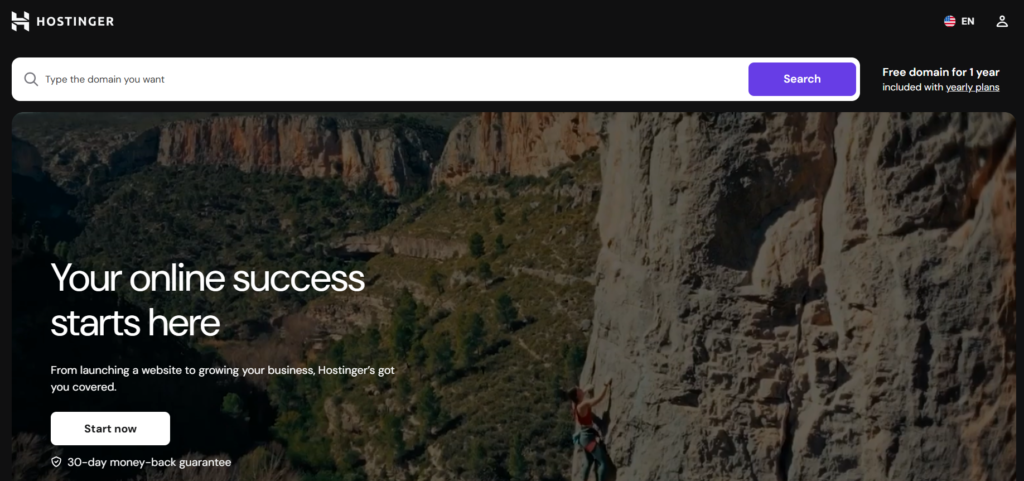
Hostinger is one of the most popular web hosting providers, known for offering fast, reliable, and affordable hosting for beginners, bloggers, small businesses, and WordPress users. Founded in 2004, the company serves millions of customers worldwide and provides shared hosting, managed WordPress hosting, cloud hosting, VPS hosting, domains, email hosting, and AI-powered website-building tools. With LiteSpeed web servers, NVMe SSD storage, a user-friendly hPanel, and global data centers, Hostinger delivers excellent value for users who want premium performance at a budget-friendly price.
Best For
Hostinger is an excellent choice for:
- Beginners building their first website
- WordPress websites
- Bloggers and content creators
- Small business websites
- Portfolio and personal websites
- Affiliate marketing websites
- Freelancers and agencies
- WooCommerce and small eCommerce stores
- Developers looking for VPS hosting
- Anyone seeking affordable, high-performance hosting
Key Features
- LiteSpeed Web Server for faster loading speeds
- NVMe SSD storage on hosting plans
- Free SSL certificates
- Free domain with annual plans
- One-click WordPress installation
- AI Website Builder and AI Content Generator
- Built-in WordPress optimization
- Free website migration
- Global CDN
- Automatic backups (plan dependent)
- Unlimited bandwidth on most plans
- Custom hPanel control panel
- Email hosting
- 99.9% uptime guarantee
- Multiple global data centers
- 24/7 live chat support
- Staging tools and WordPress acceleration on higher-tier plans
Performance
Hostinger consistently ranks among the fastest budget hosting providers. Its LiteSpeed servers, built-in caching, NVMe storage, and global CDN help websites load quickly while maintaining reliable uptime. Independent reviews regularly praise its speed and overall performance, making it a strong option for WordPress sites and growing businesses.
Security
Hostinger includes several essential security features to protect websites:
- Free SSL certificates
- DDoS protection
- Web Application Firewall (WAF)
- Malware scanning
- Automatic backups
- Cloudflare-protected nameservers
- Two-factor authentication (2FA)
- Account isolation
- Secure access management
These features provide solid protection for personal, business, and eCommerce websites.
Customer Support
Hostinger offers 24/7 customer support through live chat and an extensive knowledge base. The support team is generally responsive and knowledgeable, especially for WordPress and hosting-related issues. While phone support is not available, most users find the live chat experience fast and effective.
Support Rating: ★★★★☆ (4.6/5)
Plans and Pricing
| Plan | Starting Price | Best For |
|---|---|---|
| Single | From $2.99/month | Beginners and personal websites |
| Premium | From $3.99/month | Multiple websites and bloggers |
| Business | From $4.99/month | Small businesses and WooCommerce stores |
| Cloud Startup | From $7.99/month | High-traffic websites and agencies |
Promotional pricing applies to long-term subscriptions. Renewal rates are higher.
Our Verdict
Hostinger is one of the best-value web hosting providers available today. It combines impressive speed, reliable uptime, AI-powered tools, strong security, and beginner-friendly management at a highly competitive price. Whether you are launching your first blog, building a WordPress website, creating an online store, or managing multiple websites, Hostinger offers an excellent balance of performance and affordability.
While long-term renewal costs are higher than the introductory rates and phone support is unavailable, these drawbacks are outweighed by its fast infrastructure, intuitive hPanel, global data centers, and robust feature set.
Hostinger is highly recommended for beginners, bloggers, affiliate marketers, freelancers, small businesses, and WordPress users who want reliable, fast, and affordable web hosting.
Which WordPress Hosting Is Best?
| Category | Winner |
|---|---|
| Best Overall | Bluehost |
| Best Budget | Namecheap |
| Best Managed WordPress | Kinsta |
| Best Cloud Hosting | Cloudways |
| Best Enterprise | Liquid Web |
| Best Business Hosting | InMotion Hosting |
| Best for Beginners | Bluehost |
| Best WooCommerce | Liquid Web |
| Best for Designers | Hostinger |
| Best Value | HostGator |
Frequently Asked Questions
What is the best WordPress hosting for beginners?
Bluehost is one of the best options for beginners because it combines an easy setup process, WordPress-focused tools, and affordable introductory plans.
Which hosting is fastest for WordPress?
Kinsta, Cloudways, and Liquid Web consistently rank among the fastest managed WordPress hosting providers thanks to their cloud infrastructure and performance optimizations.
Is managed WordPress hosting worth it?
Yes. Managed WordPress hosting takes care of updates, security, backups, and performance optimization, saving time and reducing maintenance.
Which hosting is best for WooCommerce?
Liquid Web, Kinsta, Cloudways, and InMotion Hosting are all strong choices for WooCommerce stores because of their scalability and speed.
Which hosting is best for small businesses?
Bluehost, GoDaddy, and InMotion Hosting are excellent options for small business websites, depending on your budget and expected traffic.
Can I migrate my WordPress site to a new host?
Yes. Most providers in this guide offer free or assisted website migration services.
Do I need a free domain with my hosting?
A free domain can reduce your first-year costs, but it’s not essential. Some premium hosts focus on performance instead of bundling a domain.
How much storage do I need?
A new blog typically needs only a few gigabytes of storage. Image-heavy websites, WooCommerce stores, or sites with downloadable files will benefit from higher storage limits.
Does hosting affect SEO?
Yes. Site speed, uptime, security, and server reliability all contribute to user experience, which can indirectly influence search performance.
Final Verdict
Selecting the right WordPress hosting depends on your website’s goals, budget, and growth plans.
If you are launching your first website, Bluehost offers an easy and affordable starting point. If cost is your top priority, Namecheap provides dependable hosting at a competitive price. Businesses and agencies that need premium speed and expert support should consider Kinsta, Liquid Web, or Cloudways. For long-term business growth, InMotion Hosting is a strong all-around choice, while Hostinger is an excellent fit for websites built with Elementor.
No single hosting provider is perfect for every user. Evaluate your traffic expectations, performance needs, support requirements, and future growth plans before making a decision. A reliable hosting provider is one of the best investments you can make in the long-term success of your WordPress website.

Dipendra Sah is a professional blogger and digital marketer. He carries 7 years of experience in the field of blogging, AI, and digital marketing. He creates educational content about blogging, AI, affiliate marketing, social media, WordPress, and online business. His goal is to simplify complex topics into actionable guides that help readers learn and grow their online business.
